Opening the site in your editor
The app is not an editor. To change WordPress code you open the site's directory in whatever editor you already use, and the site header gives you one control for that.
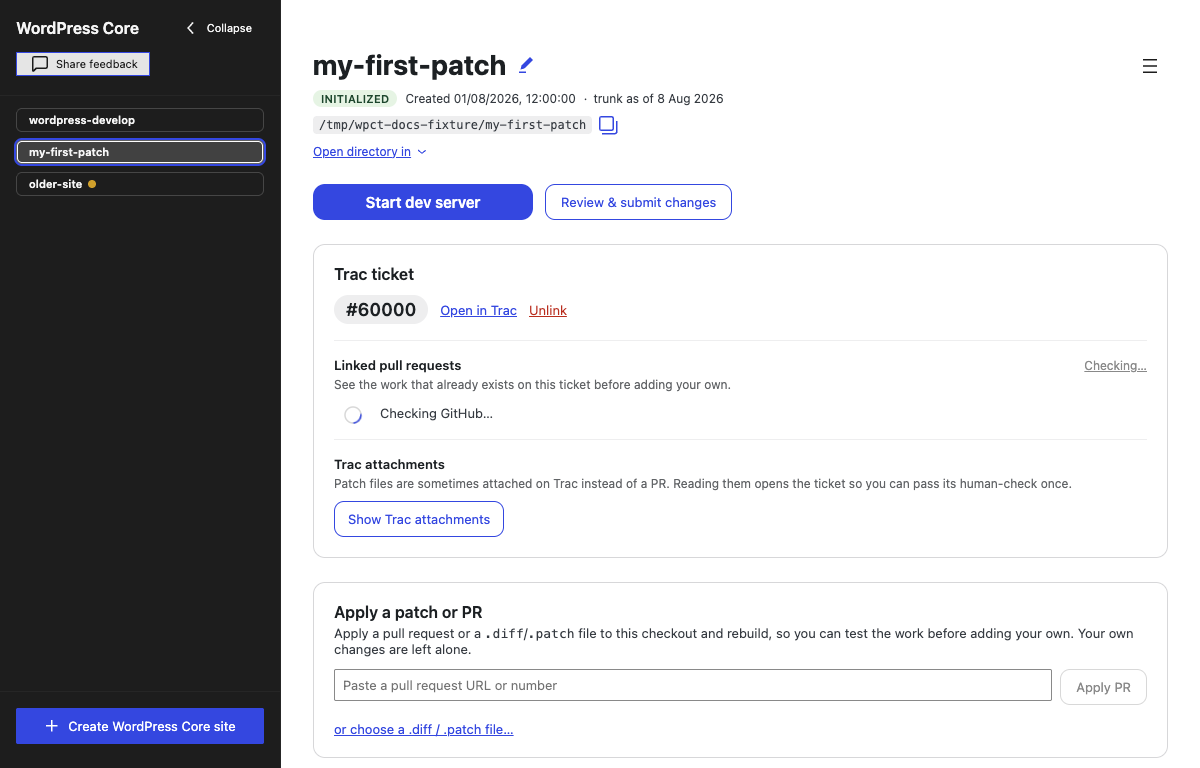
The Open directory in menu
Under the site's path in the header, click Open directory in. The menu contains:
- The system file manager — Finder on macOS, File Explorer on Windows, File manager on Linux.
- Any editors the app detected on your machine, by name — for example Visual Studio Code, Cursor, PhpStorm, Sublime Text, or Zed.
- Other application… — a picker for choosing any application yourself.
Choosing an entry opens the site's directory in that application.
How detection works
Detection checks the standard install locations for a short list of common editors: VS Code, Cursor, PhpStorm, Sublime Text, and Zed. It runs each time you open the menu — while it is checking, the menu shows Looking for applications… — so an editor you install while the app is running appears the next time you open the menu.
The list is a shortcut, not a limit. Detection deliberately checks fixed filesystem paths rather than your shell's PATH (a packaged desktop app does not inherit it), so it can miss editors installed somewhere unusual — JetBrains standalone installers with version-numbered directories, for instance, or most Linux packaging variants. An editor the list misses is not one the app refuses to use: that is what Other application… is for, and it is always in the menu, not only as a fallback.
Other application…
Other application… opens your system's application picker. Choose any application and the site directory is handed to it. This works for any editor, detected or not, and is the reliable path when detection comes up empty.
Copy path and the file manager
Two related controls sit nearby:
- The copy icon next to the path in the header copies the site's full path to the clipboard (it briefly shows Copied!). Use it to open the directory from an editor's own Open Folder dialog or from a terminal.
- The ☰ More menu also offers Copy path and Show in Finder / Show in Explorer (Show in file manager on Linux), which reveals the directory in the system file manager.
When an open fails
If an application fails to open the directory — it was uninstalled, or the launch was refused — an inline notice appears directly under the Open directory in menu explaining what went wrong. When it makes sense, the notice carries a Choose application… button that opens the same picker as Other application…, so you can point at a working application without hunting for the menu again.
What to edit
The source you edit lives in the site directory: under src/ on a WordPress Core site, under packages/ on a Gutenberg site. While the build watch is running, your edits are rebuilt into build/ as you save them. It runs on its own control, so it does not need the dev server up. On a WordPress Core site starting the server starts it too; on a built Gutenberg site the server starts without it, so start it yourself when you want packages/ edits compiled on save. When your change is ready, see Submitting changes.